


ROBOSHOT-LINK𝑖2
Benefits for Your Business

Minimise Downtime

Early Detection
Improve Efficiency
Features Designed for Your Success



Main Functionalities of ROBOSHOT-LINK𝑖2
Process Monitor
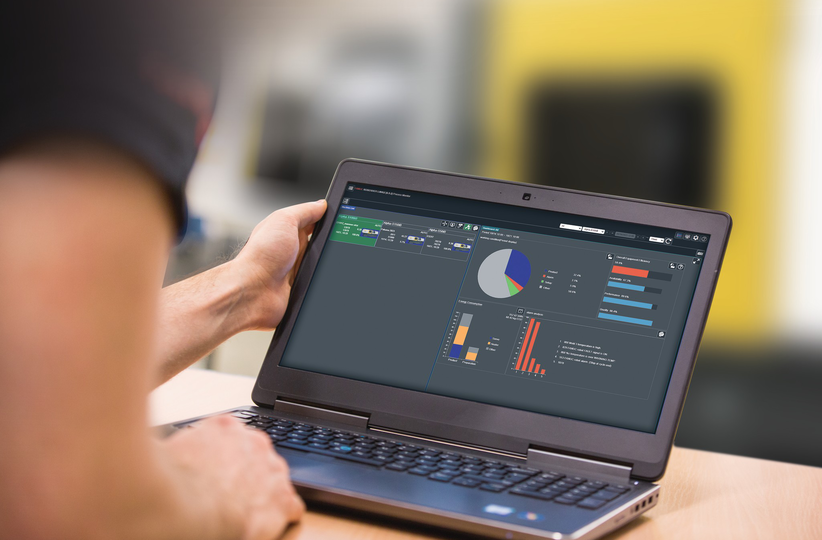
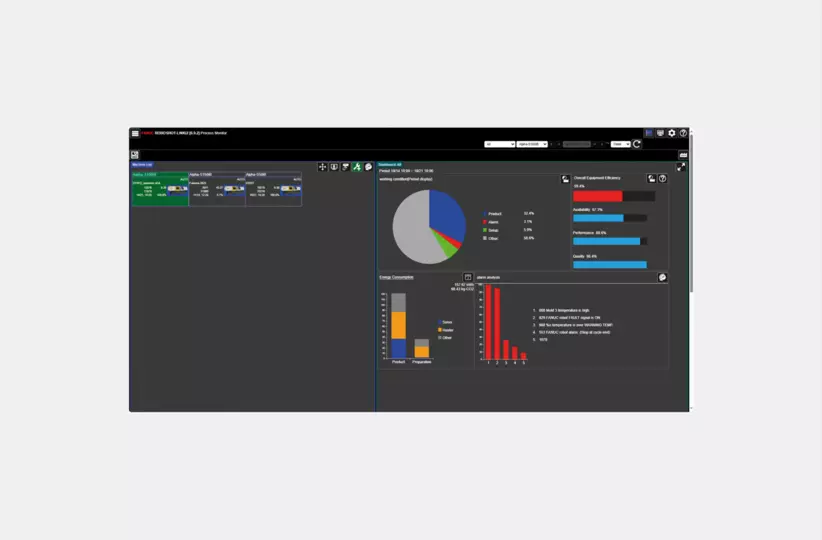
Customisable easy to understand graphical interface View the status of your connected ROBOSHOT machines Cycle times for each machine can be quickly seen
Dashboard Screen
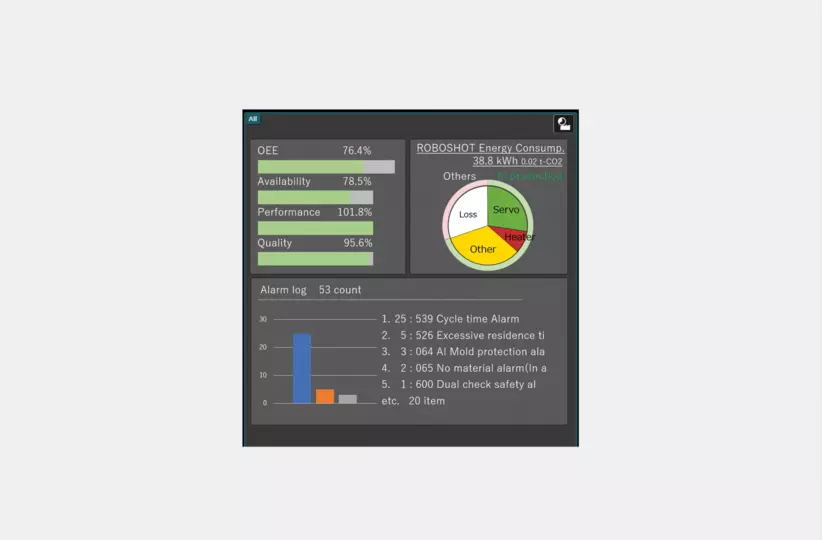
Provides at-a-glance access to Overall Equipment Effectiveness (OEE), energy consumption and frequent alarmsPlant-wide or machine group summary informationDisplay hourly, daily, weekly and monthly totals
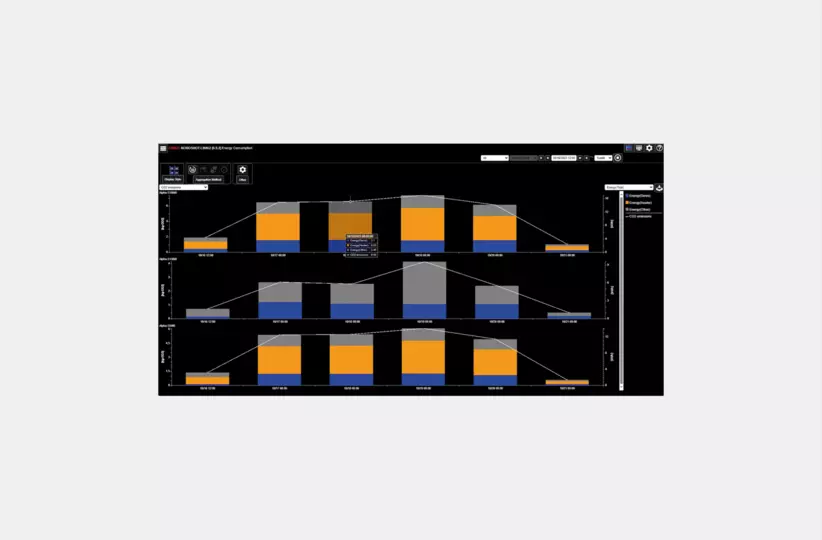
Energy Consumption Monitor
Classifies energy consumption into servo, heater and other categoriesTotal energy consumption of all ROBOSHOT, or individual energy consumptionTrend chart of hourly, daily, weekly and monthly totals
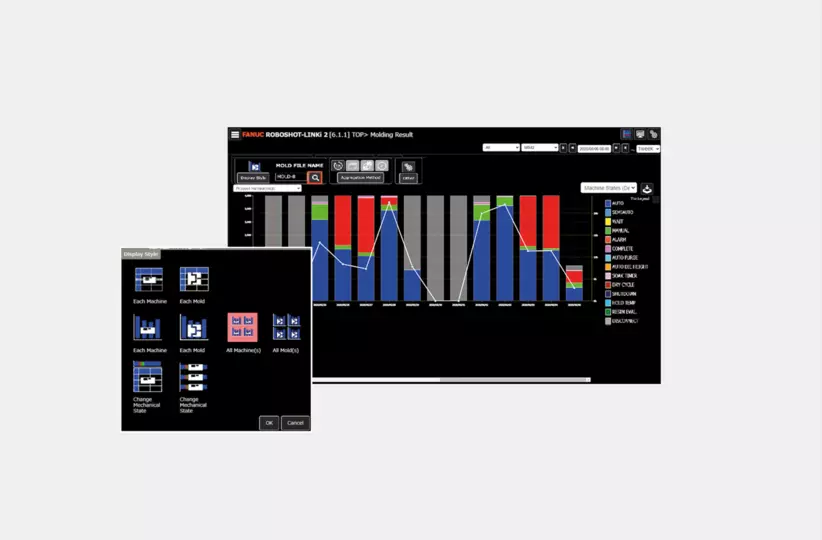
Molding Result
Clear indication of machine production processes Processes split into individual intervals related to auto/ semi auto, alarms, etc. Individually select machines or molds to be able to access more information
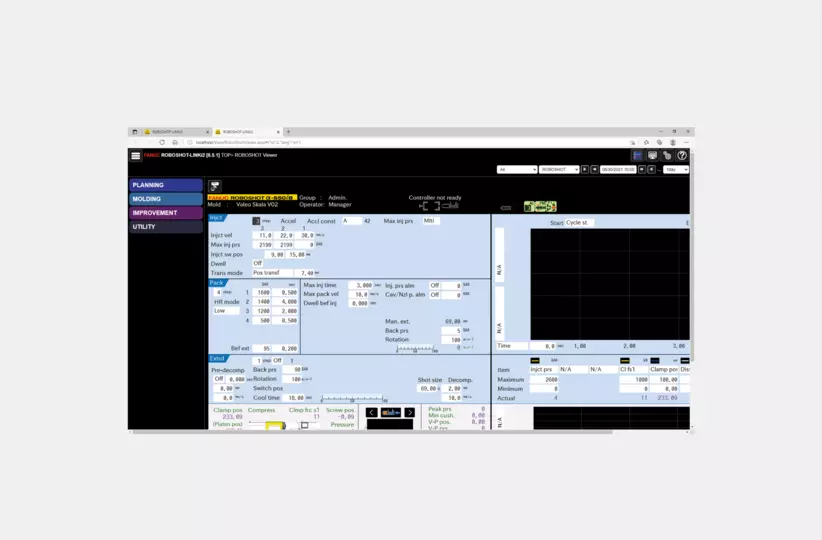
ROBOSHOT Viewer
Ability to mirror ROBOSHOT screen from your PC or smart device Possibility to modify some parameters remotely from the PC or smart device
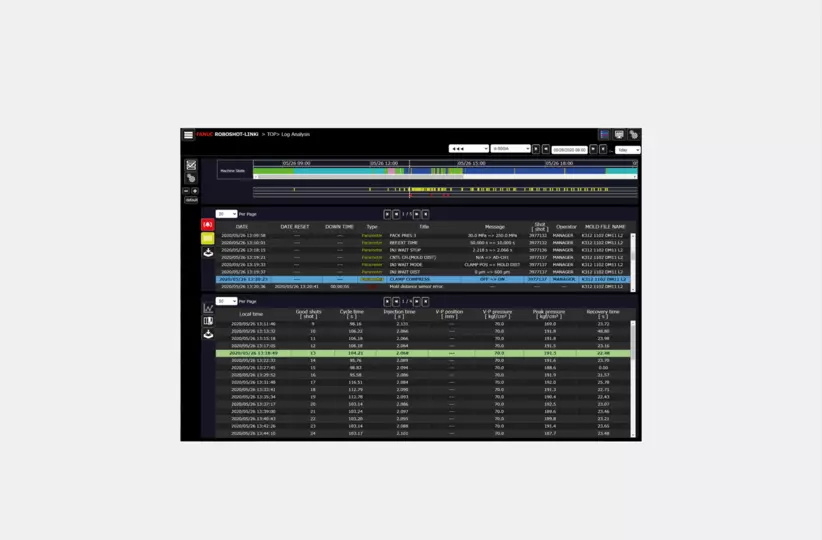
Log Analysis
Possibility to analyse machines state over time Provides information about alarm messages and time machine was stopped for Parameter changes are logged for diagnostics Shot analyses with useful variable information Receive e-mail notifications about alarms

EUROMAP 63 or 77
Additional software option to support the Euromap 63 or 77 specification Allows connectivity to upper host systems such as an MES with Euromap 63 or 77